Documentation
FormFlow docs
Everything here describes the product as it actually behaves. Where a rule is deterministic, the rule is stated exactly.
Getting started
FormFlow needs no account. Open the studio and the workspace is ready; it lives in your browser's local storage from the first block. The example pipeline loads a complete working form so every view has real content to show.
Compose
Add question blocks, set the theme and access, and preview the draft before anyone sees it.
Route
Attach branching rules so each person sees only relevant questions. Read the logic map to verify the whole flow.
Publish
Set URL parameters and the follow-up, then share the link. Pre-publish checks run first.
Learn
Watch the completion funnel, triage the inbox, and improve the questions that cost you completions.
Concepts
Block - one question or content unit in a form. Theme - the visual treatment applied to a form. Access - who the form is for, set before publishing. Branching rule - a condition that routes a respondent to the next relevant question. Logic map - the rendered view of the real branching rules. Completion funnel - measured progress through the form, with per-question drop-off. Sample row - demo data in the inbox, always badged and excludable.
Compose and route
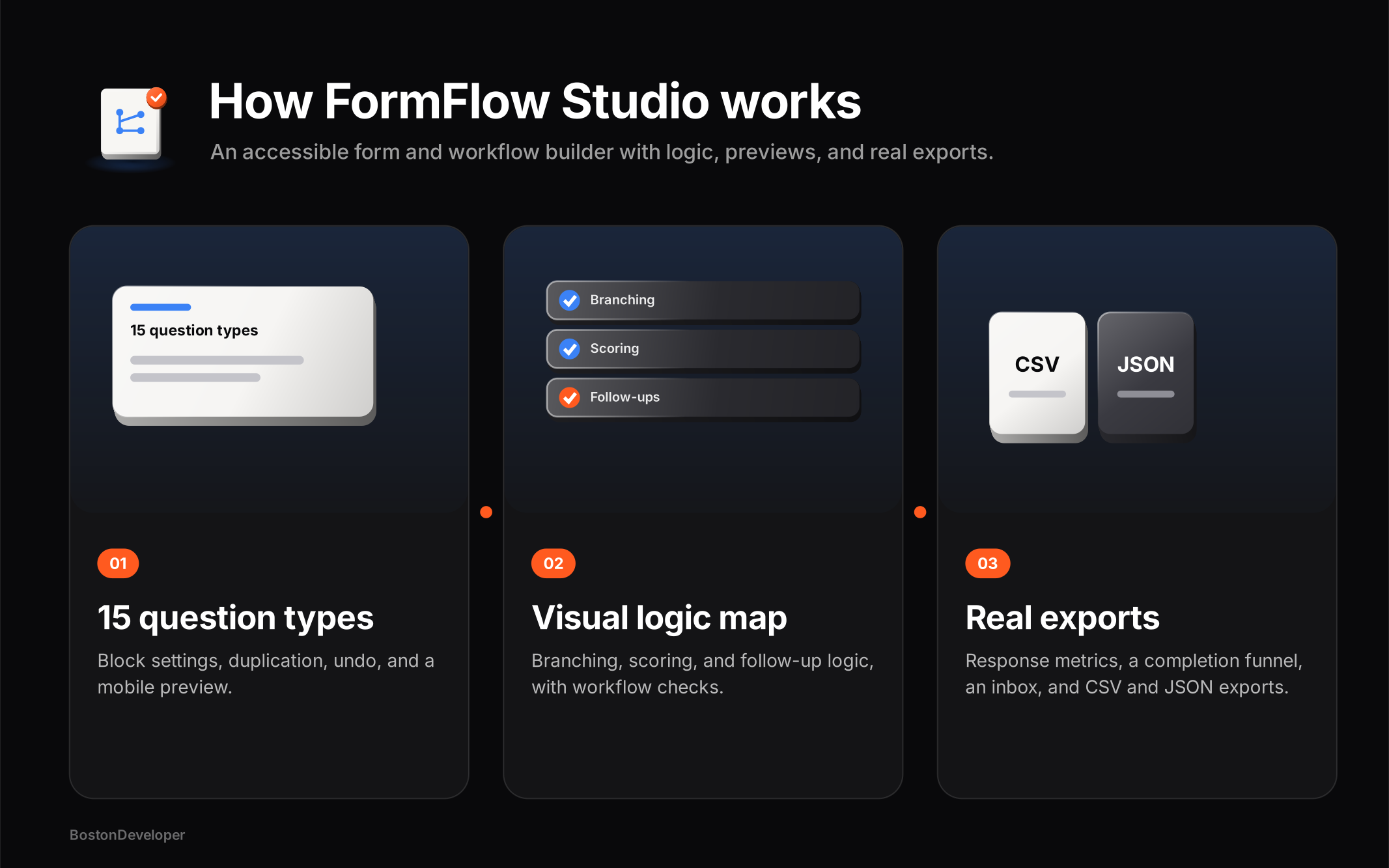
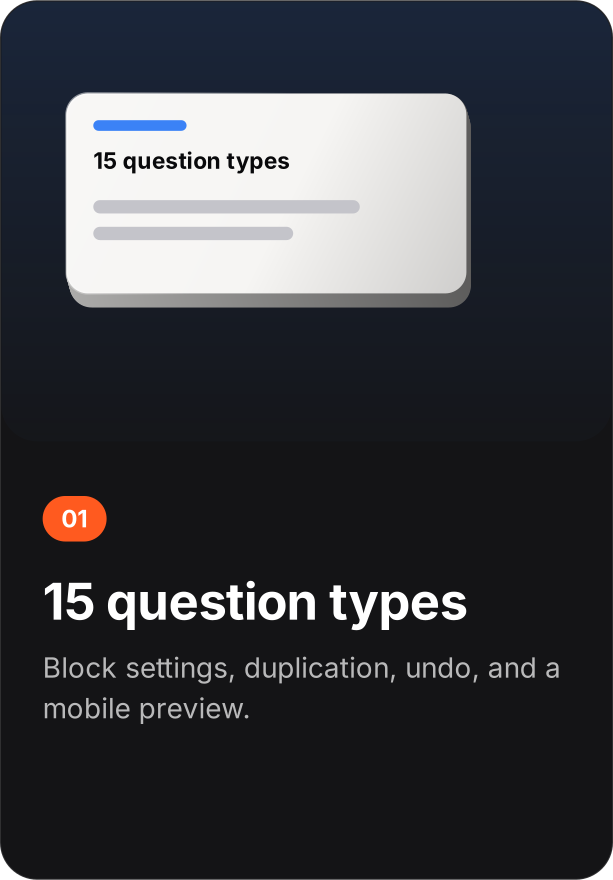
The builder keeps drafts, live forms, and results in one workspace. Blocks are added one at a time; the question-quality check flags vague or compound wording while you compose. Theme and access are settings on the form itself, visible before publishing.
Branching logic
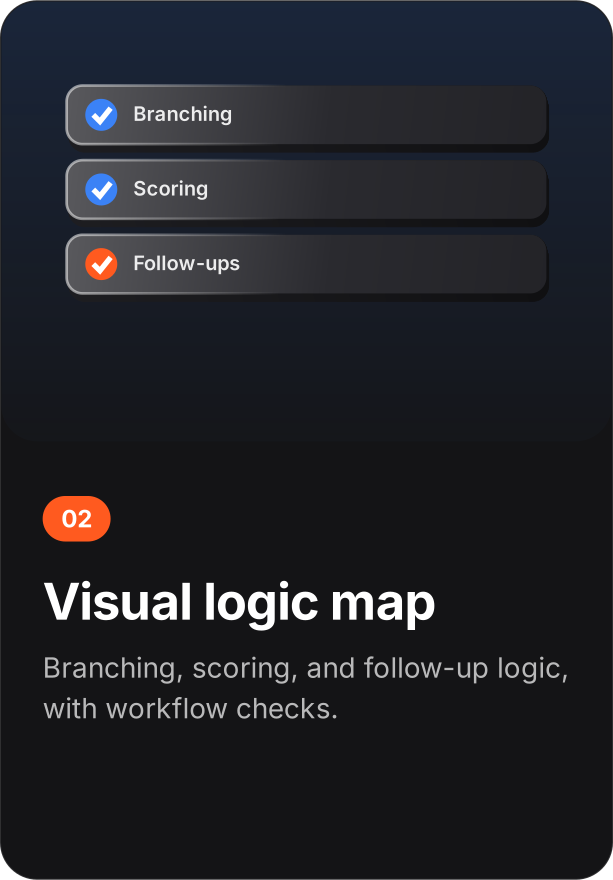
Rules route respondents based on their answers. The logic map renders the actual rules - what you see in the map is what the form executes. If a route cannot be reached or a question is skipped by every path, that is visible in the map before publishing.
Publish and share
Before a form goes live, workflow checks confirm the details: URL parameters for source attribution, and the follow-up respondents see after submitting. Accessibility checks - labels, contrast, keyboard paths - are part of this gate, because an unusable form does not complete.
Results and funnel
The completion funnel measures per-question drop-off from recorded responses. The attention-needed view surfaces responses that require a decision. The inbox lists every response; sample rows carry a badge, can be hidden, and are never included in exports.
Question quality
The guide treats a form as a series of decisions you ask someone to make. Write one decision per question. The guide also states the studio's honest limitations, in the product, where you will see them.
Data formats
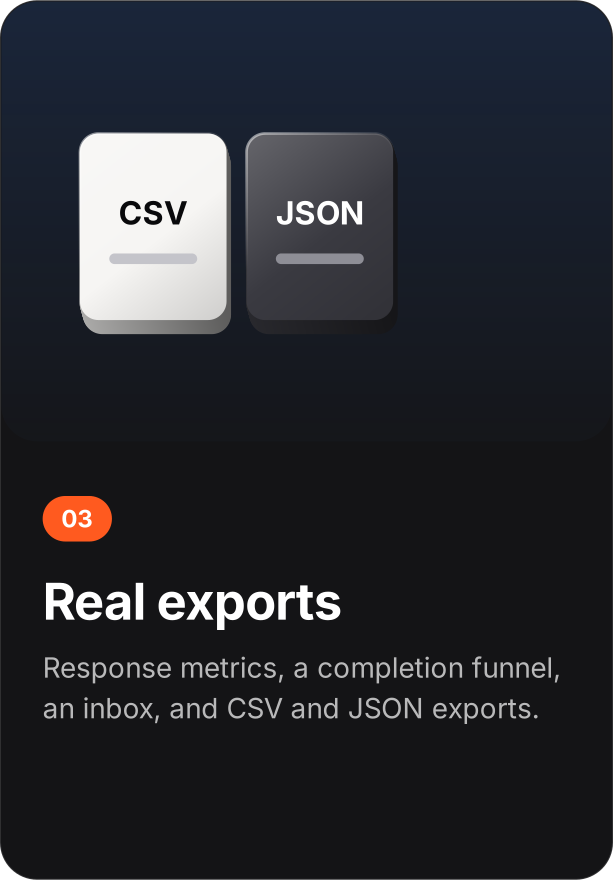
The whole workspace - forms, logic rules, settings, and responses - exports as a single file with sample rows excluded. Import restores it exactly. There is no partial export and no server-side copy.
Privacy
Private by default: no analytics, no session recording, no third-party pixels. Forms and responses live in local storage. Deleting the workspace is immediate and total, because the data only ever existed in your browser.